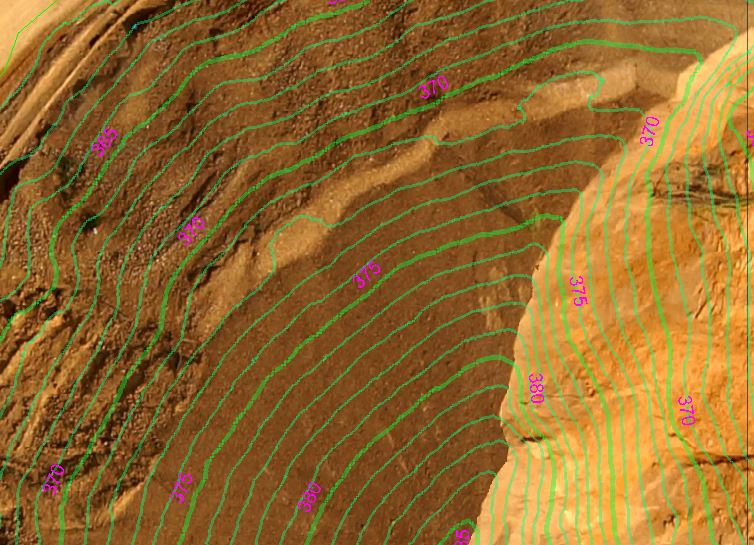
Modifying the Transparency
Modifying the Transparency
slider in the Contour Properties dialog allows the user to make
contour more or less pronounced in the Map View. Simply move the
slider up and down or enter a value to achieve the desired effect.
 0% Transparency
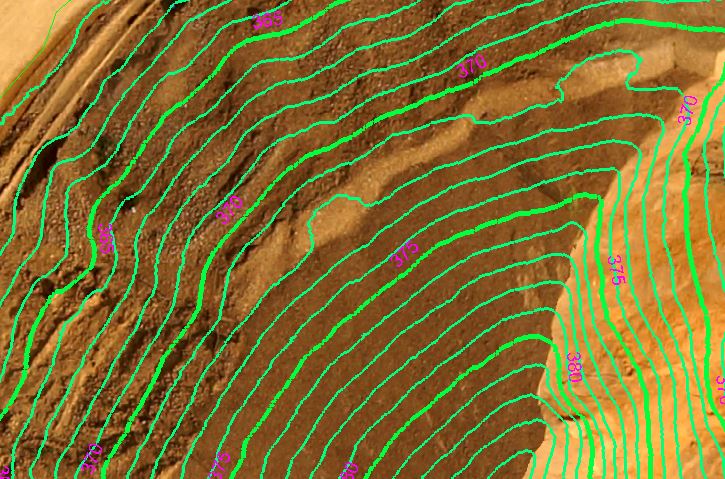 60% Transparency