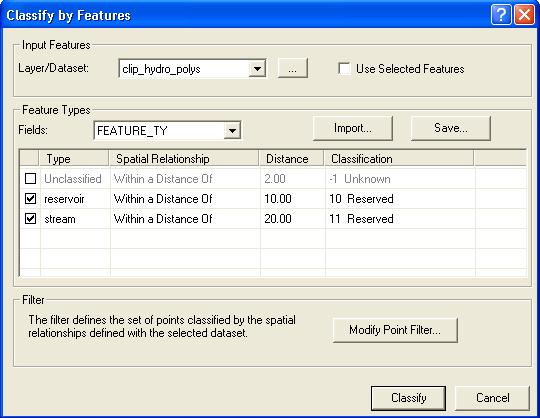
About Selecting Type Fields
By default, "None" is selected as the type field. When "None" is selected all features are used in the classification and share the same the spatial relationship, buffer distance, and destination class. However, there are situations where you may want to exclude features from the classification or treat them differently in terms of a spatial relationship, buffer distance, and/or the destination class.Learn more about toggling the use of types