About Inverting Color Ramps
A
color ramp can be inverted to reverse
the colors usually associated with the minimum and maximum values.
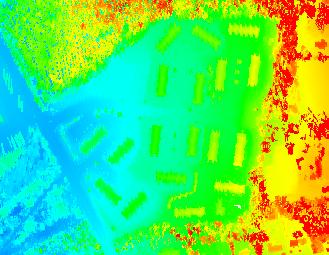
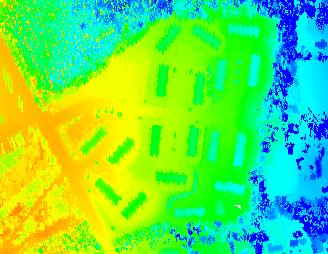
For example, if the
chromodepth color ramp is inverted, then
lower elevations are colored in red, and higher elevations are colored
in blue.
Example of an Inverted Color Ramp
| Not Inverted |
Inverted |
 |
 |
How to Invert Color Ramps
Invert Check Box 
1. Open the Properties dialog.
2. Select the 'Symbology' tab and the 'Elevation' or 'Intensity'
tab within it.
3. Click in the box to toggle the invert value. Checked is inverted;
otherwise the color ramp is not inverted.
