About Selecting Color Ramps
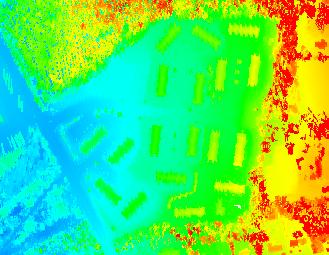
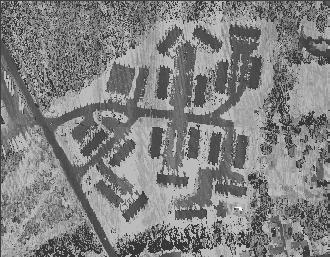
The color ramp defines the values to stretch colors between when drawing points on the screen. For example, the chromodepth color ramp stretches points from blue to red drawing intermediate colors such as green and yellow in between. This is a common used color ramp for display of elevations. Another common color ramp is greyscale which stretches points between black and white. This color ramp is most notably associated with intensity or black and white photographs.
Example of the Color Ramps
| Chromodepth |
GreyScale |
 |
 |
How to Select Color Ramps
Color Ramp Box 
1. Open the Properties dialog.
2. Select the 'Symbology' tab and the 'Elevation' or 'Intensity' tab within it.
3. Click the down arrow on the Color Ramp Box.
4. Click on the color ramp to select the item.
