About the Vertical Distance
The vertical distance is the amount of rise or fall between individual
colors in the
color ramp. It is also
equivalent to the intermediate contour interval. The complete vertical
distance or the index contour interval of the color cycle is the number
of colors in the color ramp times the vertical distance between each
color.
Example of the effect of vertical distance
| Vertical Distance
= 1 |
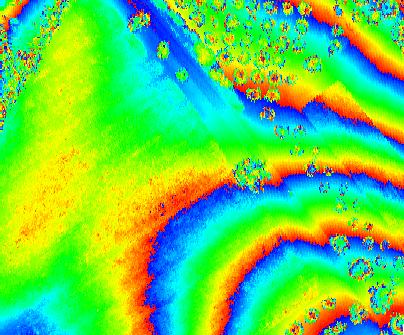 |
| Vertical Distance
= 2 |
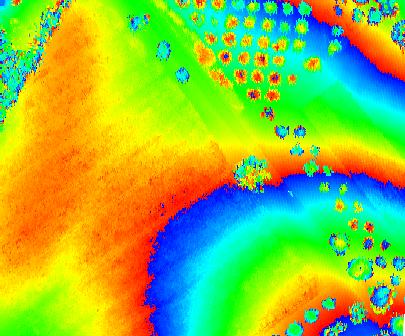 |
How to Modify the Vertical Distance
Vertical Distance Text Box 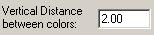
1. Open the Properties dialog.
2. Select the 'Symbology' tab and the 'Elevation' tab within it.
3. Within the Point Coloring Methods box, input a value greater
than zero in the vertical distance text box.
