
How to Copy Tasks
Copy Task Command
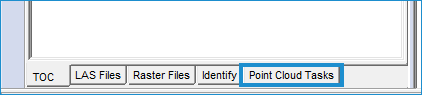
- Click the Point Cloud Tasks tab in the pane left of the map.
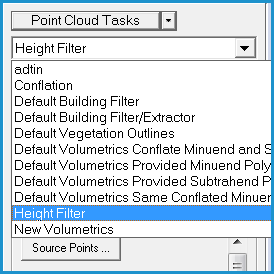
- Select the task that you would like to copy in the drop-down menu.
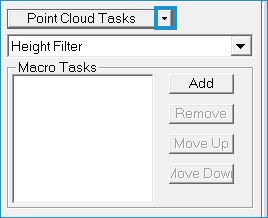
- Click the arrow next to the Point Cloud Tasks button.
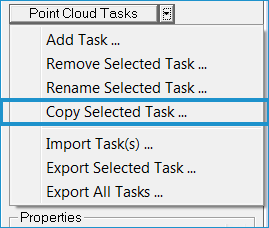
- Click Copy Selected Task.
- In the Copy Point Cloud Task dialog, you will see the name of the original task (to be copied) in the Source Task Name box. Make sure this is the task that you would like to copy.
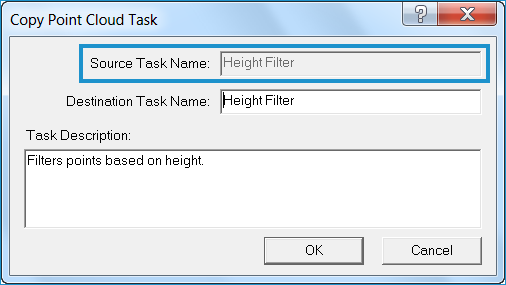
- In the Destination Task Name box, type the name that you would like the new task to be.

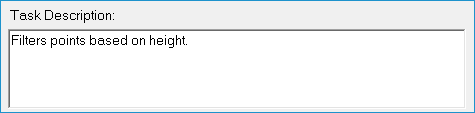
- If you need to change the task description, make the changes in the Task Description box.
- Click OK.