How to Remove Tasks
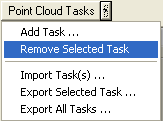
Remove Task Command
- With the task you wish to remove selected (or active in the point cloud task combo box), left-click the 'Remove Selected Task' command.
- Left-click "Yes" to continue removing the task or
"No" to cancel removing the task.