
About the Smoothing Option
If smooth transitions between colors are desired, use the Smoothing option. If the smoothing option is not used, the colors change abruptly. The preview window gives an example of the effect of the smoothing option.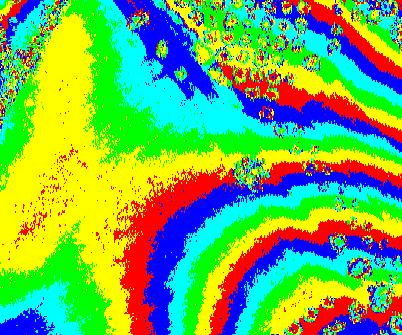
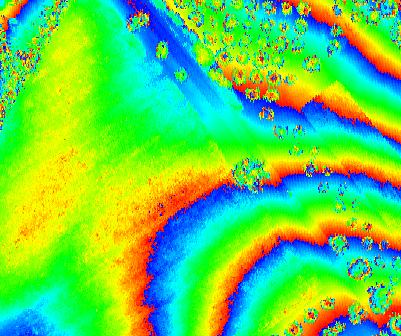
Learn more about the color cycle preview
