About Toggling the Use of Types
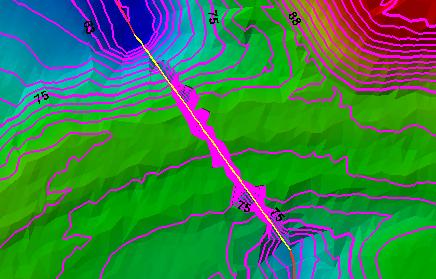
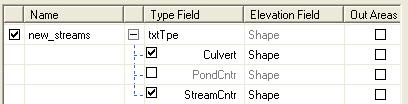
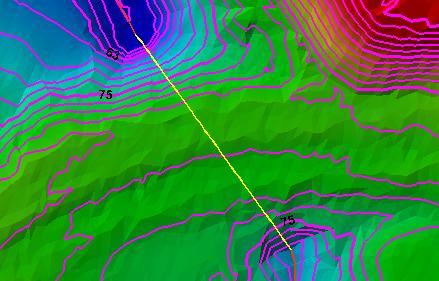
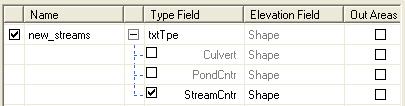
Similar to toggling the use of a layer as a source of breaklines, individual types can be toggled on and off. Toggling a type value is used in combination with selecting a "Type Field" for a layer. When the type field is selected, unique type values are listed for the layer. Each type can be toggled on or off based on whether the type value represents features that are to be used in the breakline enforcement. For a hydrology network layer, the culverts and connectors may be excluded, whereas the stream centerlines may be included in the enforcements.Learn more about selecting a type field