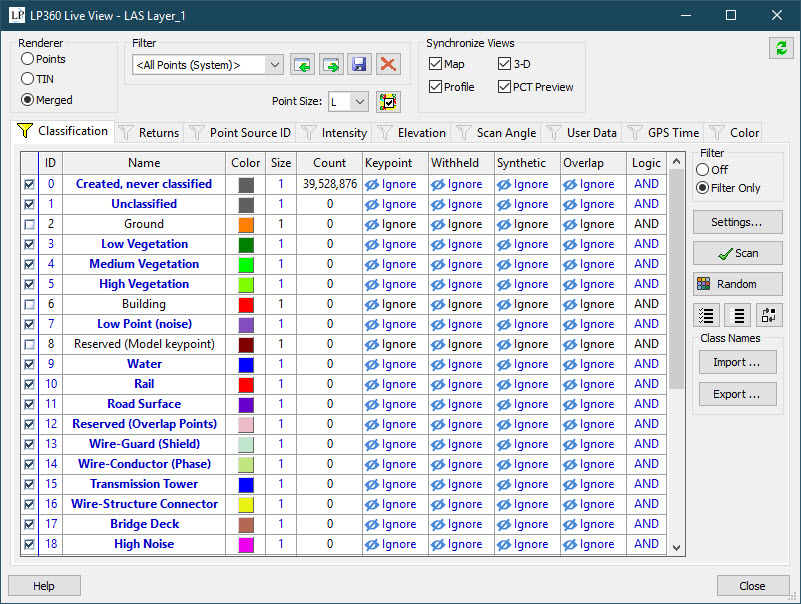
About the Source Filter
The source
filter defines the set of
points that are used to locate
planes
in the point cloud data. A typical set of points used in the
planar
filter would exclude point classes that are defined as ground
points, or any other class that has already been classified, such
as vegetation. Any point on a class included in the source filter
can be classified to the destination class. Therefore, exclude all
points (i.e., classes) you wish not to be classified to the destination
class. In general, the more points that can be excluded from consideration
will produce more performance and better results. The source filter
is modified using the display filter property page.
Learn
more about the display filter property page