
About Basing Colors on Values from the Current View
Calculating colors based on values from the current view uses the minimum and maximum elevations within the current view or extent of the map. This option yields a much more applicable result than the Project option where outliers are able to skew the distribution of the colors. The Current View option can reduce the effect of skew in the distribution of elevation values even further by using the standard deviation to determine the minimum and maximum values.Example of the Current View Option
| Full Extent (Standard Deviation = 2.0) |
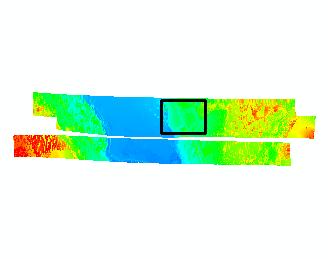 |
| Zoomed to Graphic (Standard Deviation = 2.0) |
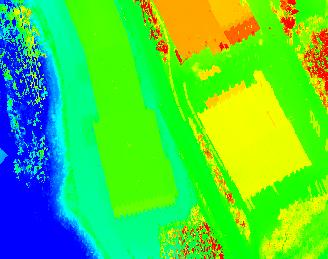 |
Learn more about using standard deviations
