About the Maximum Point Cache Size
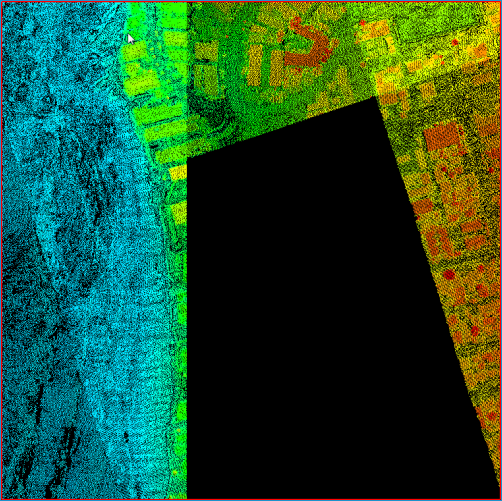
The Maximum Point Cache Size is used to protect against loading enormous quantities of points into the point cache for a LIDAR Layer. Loading more points than the Points Per Refresh setting can occur if the Force 100% Resolution command is set for the active LIDAR Layer. If you zoom out to a small scale (i.e., a large area) that exceeds the maximum point cache size, a partial set of points will be drawn in the map, and the point resolution will display on the LP360 toolbar as OVF, meaning an overflow has occurred.
How to Modify the Maximum Point Cache Size
Modifying the Maximum Point Cache Size on the Performance Options Tab
The Maximum Point Cache Size value is entered in the Performance Options tab of the LIDAR Layer Properties dialog box. To change the Maximum Point Cache Size, enter a whole number greater than the Points per Refresh value and greater than the Maximum Points to TIN/Contour value. This sets the number of points to use when you use the Force 100% Resolution command to draw all the points to the map.
See Modifying LIDAR Layer Display Performance Options for complete information on the LIDAR display performance options.