About Buffer Classifications
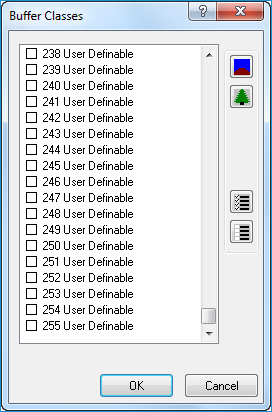
Buffer classifications are those classes that are assigned to LAS points that are within a buffer of breaklines. Points that are assigned to these classes are excluded from the surface when using breakline enforcements.NoteIf your LAS files are version 1.4, 256 classes can be defined for a LAS point. Previous versions of LAS files (1.3 and below) allow 32 classes.
|
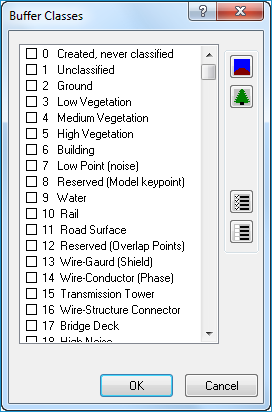
Why do you need to use buffers around breaklines?
LIDAR points are so dense that when introducing breaklines into a surface using LIDAR points, the points overwhelm or over-weight the introduced breaklines. By removing a buffer of LIDAR points around the breaklines, the weight of the points against the breaklines are reduced allowing the surface to be "constrained" to the breaklines.Example of using NO buffer
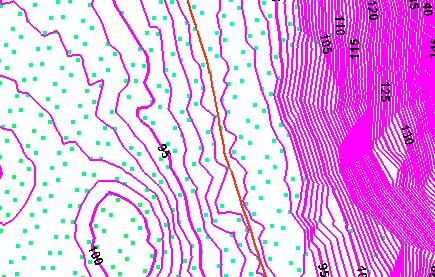
Example of using a buffer
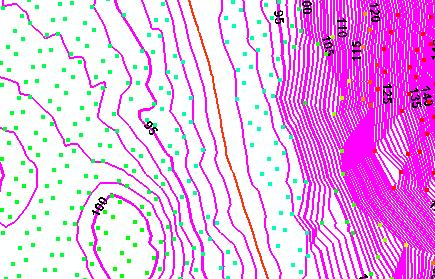
Technical feasibility also dictates the need for a buffer around breaklines. On many occasions points may fall along the edge of a breakline. Using breaklines when triangulating, requires that no triangle edge can cross a breakline thus allowing the surface to be "enforced" by the introduced breaklines. When a point falls along the edge of a breakline, a zero area triangle is formed between the LIDAR point and breakline segments. This condition creates the potential for division by zero errors and fails to create a surface.