
About Color Bands
The Color Band option cycles colors through a color ramp based on changes in vertical distance. This option produces an effect much like viewing contours where the vertical distance between each color is the intermediate contour interval and the complete vertical distance though the color ramp is the index contour interval. The vertical distance between each color is user specified and the color changes can be smooth or abrupt from one color to the next.Example of Color Bands
| Color bands (Smoothing) |
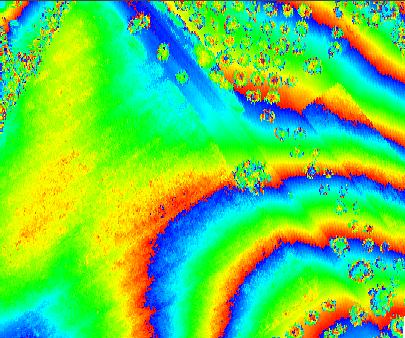 |
| Color bands in 3D Window displayed using a TIN (No Smoothing) |
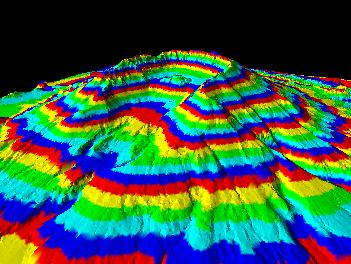 |
Learn more about the vertical distance
Learn more about the color smoothing option
