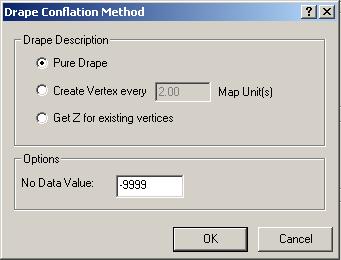
The Drape Conflation Method dialog
allows you to customize how geometry is draped onto the LIDAR
surface. There are two principle inputs: Drape Description and the No-Data
value.
Drape Description
When a drape is performed over the LIDAR surface, 3 methods exist which
define how the vertices within the output geometry are compiled: Pure
Drape, Create Vertex every X Map Unit(s),
and Get Z for existing vertices.
The Pure Drape option creates a vertex in the output geometry for
every intersection the input geometry makes with the triangulated
LIDAR surface. The pure drape option best models the LIDAR surface within
the output geometry. However, the pure drape option can result in massive
amounts of vertices used in the output geometry which can result in difficulties
of the geometry being used with other software packages. It is best to
test the output of this option first before proceeding with more time
consuming operations.
The Create Vertex every X Map Unit(s)
option creates a new vertex in the output geometry every X map units.
Each vertex in the output geometry is assigned the elevation of the LIDAR
surface directly beneath the vertex.
The Get Z for existing vertices option does not create new vertices
within the output geometry. The method assigns an elevation from the LIDAR
surface to the existing vertices. Note: The result of this option
is the same result obtained from using the 'Surface Z' option in the Summarize Z values conflation method.
Picture of the Drape Conflation Method Dialog
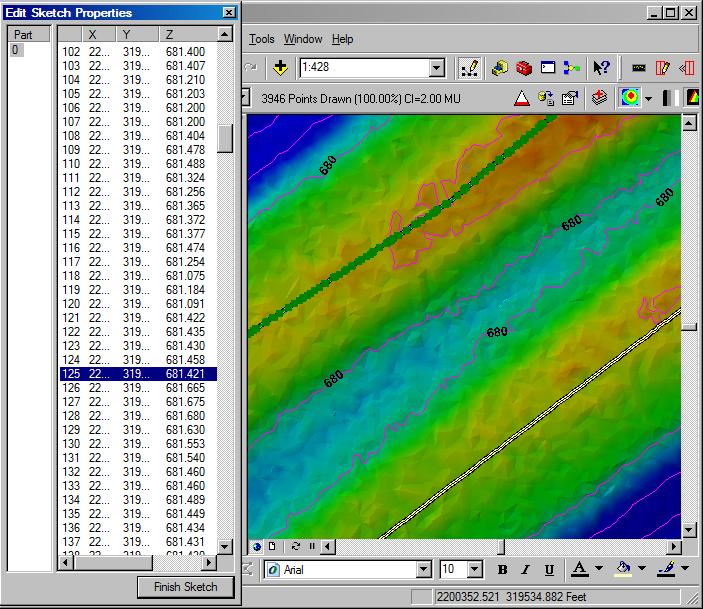
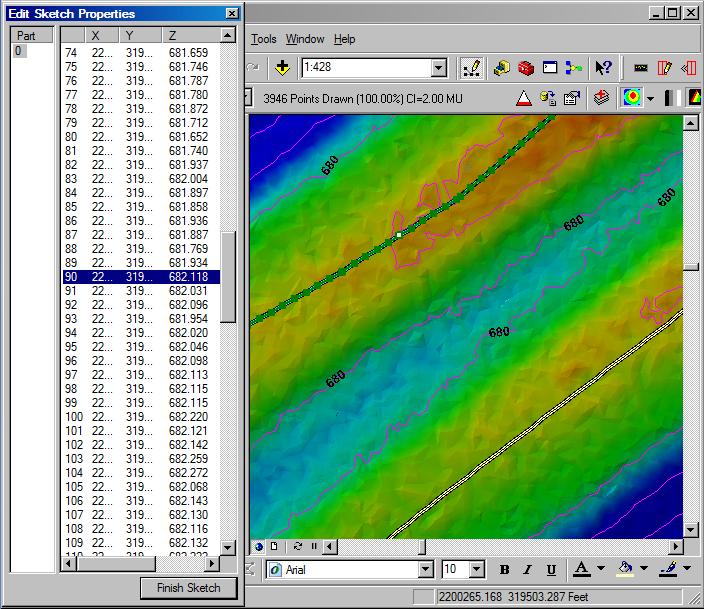
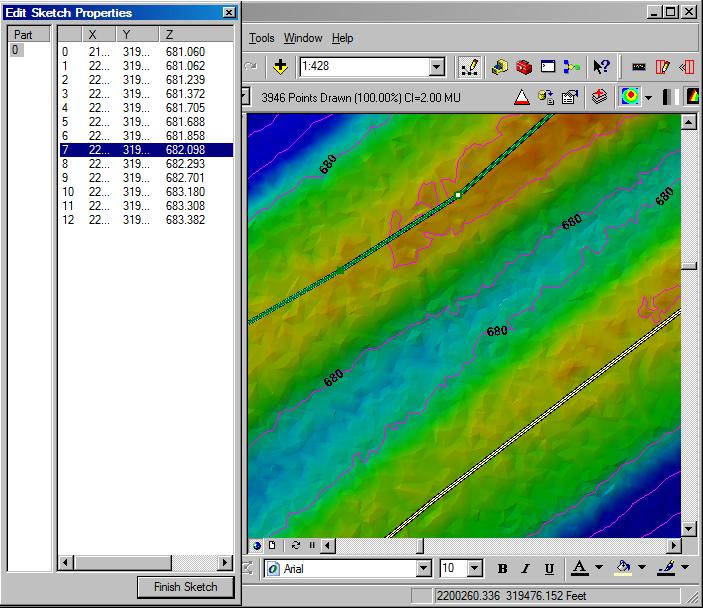
Examples of the Drape Method
Drape using 'Pure
Drape' option (616 vertices)
Drape using 'Create
Vertex every 5.0 Map Unit(s)'
option (195 Vertices)
Drape using 'Get
Z for existing vertices' option (13 Vertices)