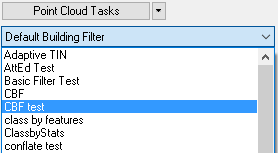
About the Selected Point Cloud Task
The Selected or Active
Point
Cloud Task is the task that is used when executing a task in
the Preview Window or using the tools on the LP360 Point Cloud Tasks
Toolbar. The selected task will also display its properties in the
Point Cloud Tasks Window, which allows the user to configure the task.
Changes that are applied to a task using the Apply command is also
applied to the selected task.
Learn
more about that LP360 Point Cloud Tasks Toolbar
Learn
more about the Point Cloud Tasks Preview Window