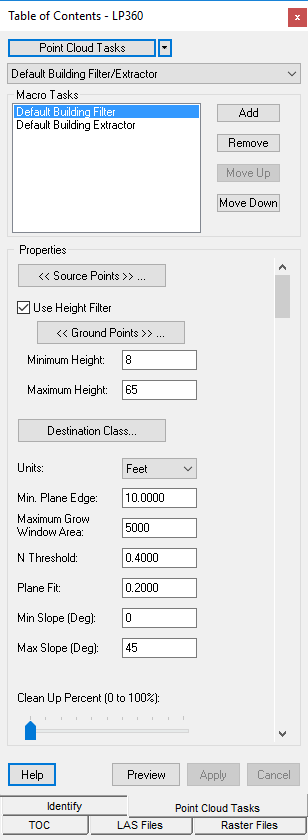
The Point Cloud Tasks Window is used to manage, configure, and preview
the execution of point
cloud tasks. Management of point cloud tasks include adding,
remove, importing and exporting tasks. With an active Point Cloud Task,
users can modify the properties or configure a task to best fit their
needs. After or during the configuration of a task, the user may execute
the task temporarily using the Preview Window to evaluate the operation
of that task.
The tasks collection is persisted in an XML file located in the %windows
settings%/%username%/LP360/ folder. The tasks collection can be different
from user to user. A default set of tasks are created the first time LP360
is launched on that machine or if the XML file does not exist.
Picture of the Point Cloud Tasks Window
The Point Cloud Tasks Window with a Macro as the Selected Task: